Good-bye Character Sheet... Hello, Character Cards!

GUILDHALL UPDATE - 2026-02-10
MuleBrew Card Creator: Character Cards Are Live
Today’s MuleBrew update is a big, practical one: Character Cards are officially live.
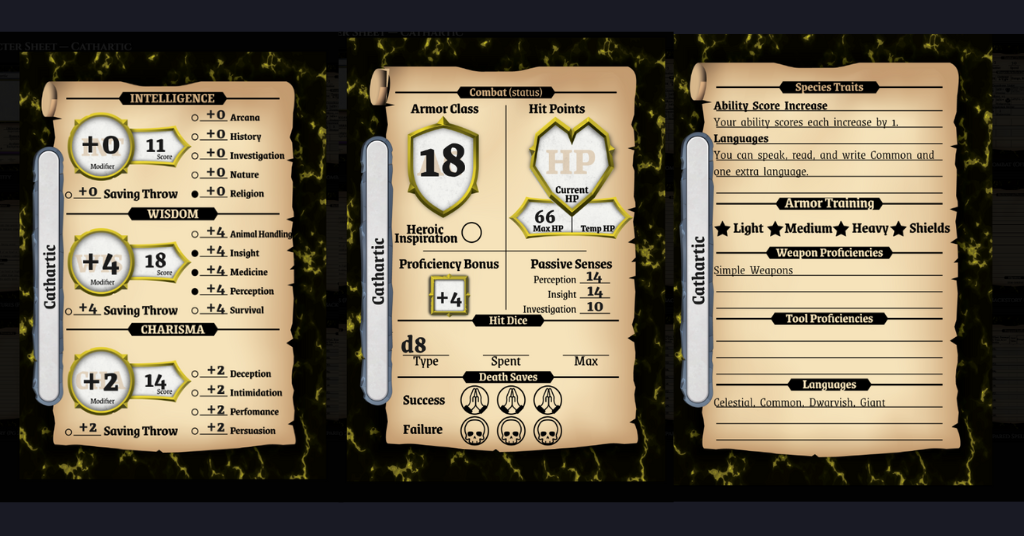
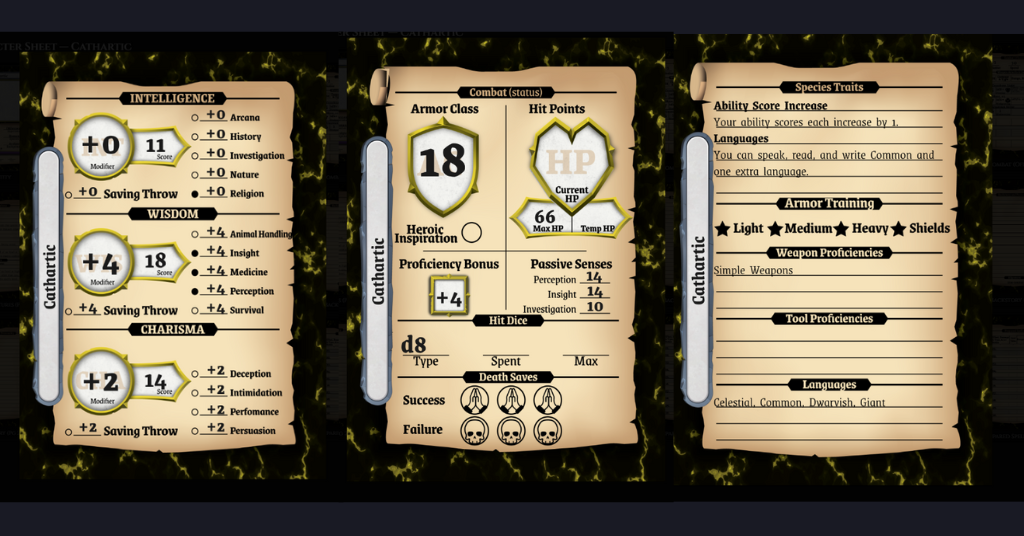
This is the first step toward replacing the traditional character sheet with something that works great at the table—especially if you’re going to be using the Book of Holding.
Character Cards: How They’re Meant to Be Used
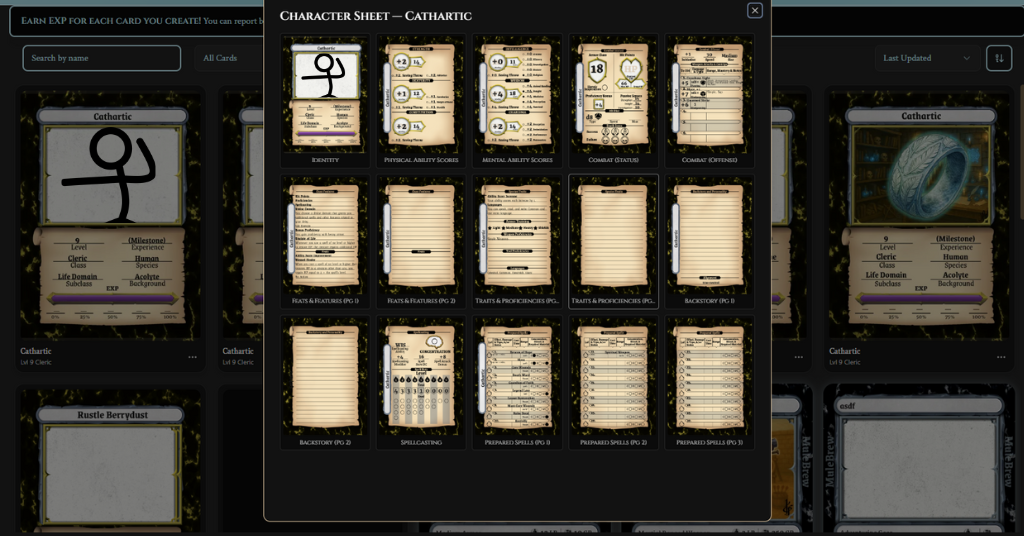
Character Cards are designed to handle the split between permanent information and constantly changing information.
The idea is simple:
- You permanently print the things that rarely change (name, class, level, base AC, etc.)
- You leave volatile fields blank (current HP, temp HP, EXP, spell slots, etc.)
Once the cards are in your Book of Holding, you use wet-erase markers on the outside of the card sleeve to update those blank fields during play.
That means:
- You decide how often you need reprints
- No erasing or removing ink
- Your character sheet lives with the rest of your gear, not on a loose page
The more fields you choose to leave blank, the less often you’ll ever need to reprint a character card.
D&D Beyond PDF Import (This Is the Killer Feature)
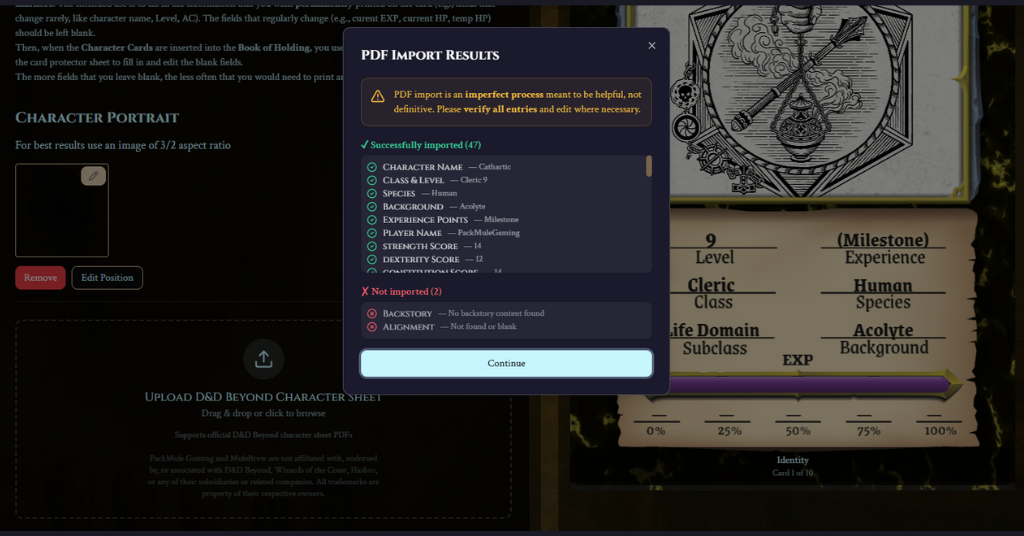
Character Cards can now accept uploaded D&D Beyond PDF character sheets and automatically populate the card for you.
This includes:
- Core identity info
- Stats, saves, skills
- Attacks and damage
- Features, traits, feats, and backstory
- Prepared spells, correctly parsed by spell level (including cantrips)
Spell detection now reads level headers directly from the PDF (e.g., “1st level”, “Cantrips”), and spell level icons use the correct official assets for levels 1–9.
In other words: you don’t need to rebuild your character by hand just to try this.
Polished Where It Matters
A lot of the work in this release is invisible—but it’s the kind that prevents frustration later:
- Long attack damage strings automatically shrink to fit on one line
- Text no longer drops words when flowing onto overflow pages
- Fullscreen review now lets you page left/right through the character
- Clear warnings if you try to leave with unsaved changes
- EXP can intentionally be left blank and saved (for wet-erase use)
- Export reliability and save times improved, especially for non-spellcasters
This is very much a “use it for three sessions and you’ll notice” kind of polish.
Collections, Sorting, and Navigation Improvements
Alongside Character Cards, collections got smarter:
- Card-type-aware filtering and sorting
- Better character sorting by level, species, and class
- More consistent fallback ordering
- A future-ready (currently disabled) option for Quest / NPC / Creature / Spell cards
Character cards in your collection now also have clearer previews and visible edit/delete actions.
Second Update: Custom Item Types (Now Everywhere)
In a separate but related improvement: Custom Item Types are now available for all items.
You can:
- Choose Custom as an item type and name it yourself
- Or choose a normal item type (Weapon, Armor, Ammunition, etc.) and then select Custom as the subtype
When you do this, you still get all the smart inputs:
- Armor AC and requirements
- Weapon damage dice and properties
- Ammunition quantity bubbles
…but under a category that matches your setting or rules.
This makes it much easier to support:
- Setting-specific gear
- Experimental equipment
- Things that don’t quite fit D&D’s default taxonomy
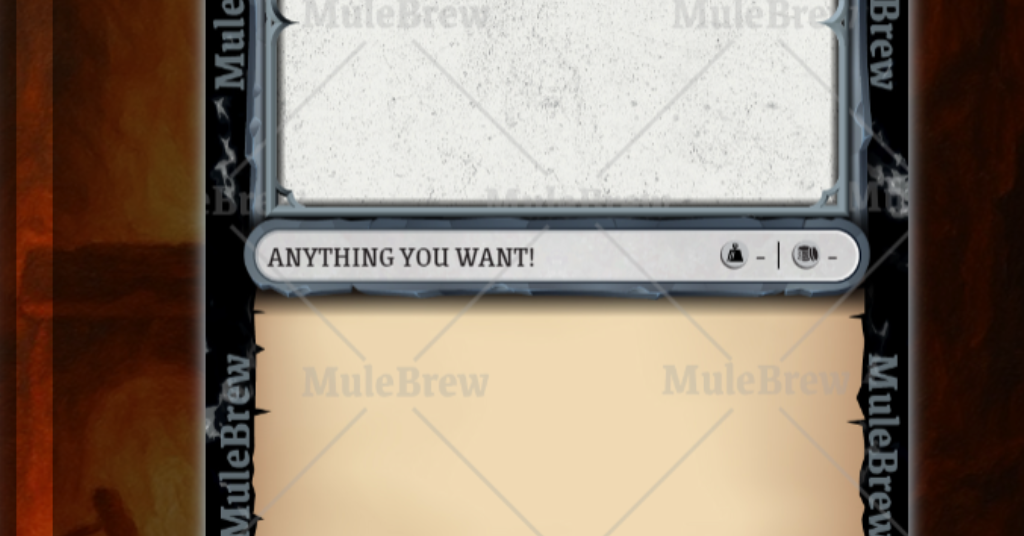
This is starting to look less like a card generator and more like a full table system.
As always, this is versioned, iterative, and very much alive.
Feedback from real tables is what shapes the next pass.
More MuleBrew updates soon.